
Cloudflare D1数据库使用方法
前言
Cloudflare D1 是 Cloudflare 推出的一款分布式 SQL 数据库,它基于 SQLite 构建,完全集成在 Cloudflare Workers 生态系统中。D1 将 SQLite 数据库部署到 Cloudflare 的全球边缘网络,让我们的数据库与应用代码一样,运行在离用户最近的位置,大幅降低延迟。
D1使用方法
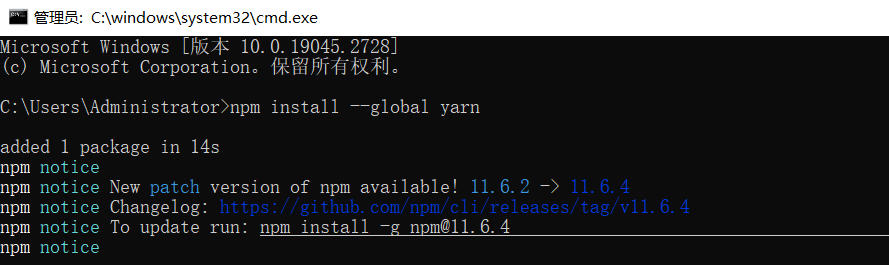
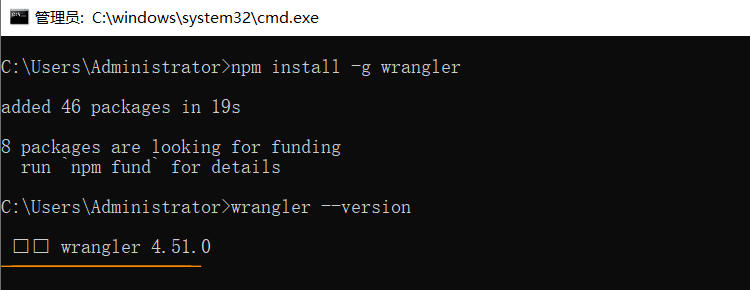
1、首先,我们需要安装 Cloudflare 的 Wrangler CLI 工具:
npm install --global yarnnpm install -g wrangler
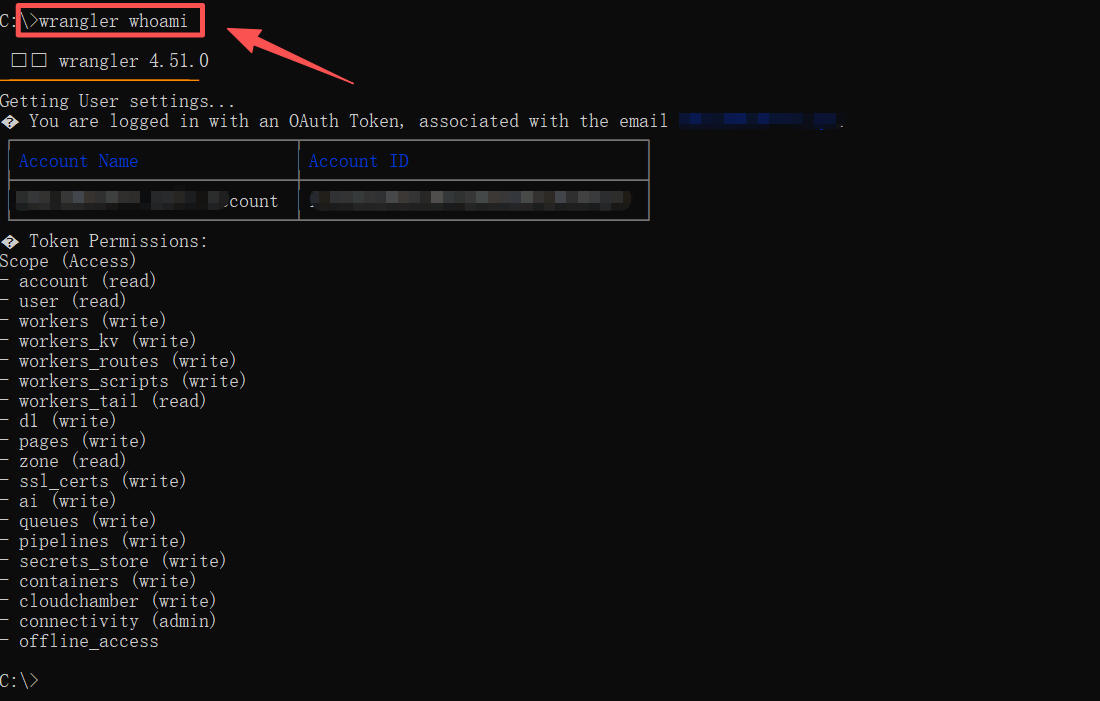
2、输入命令wrangler whoami查看当前登录的账号。
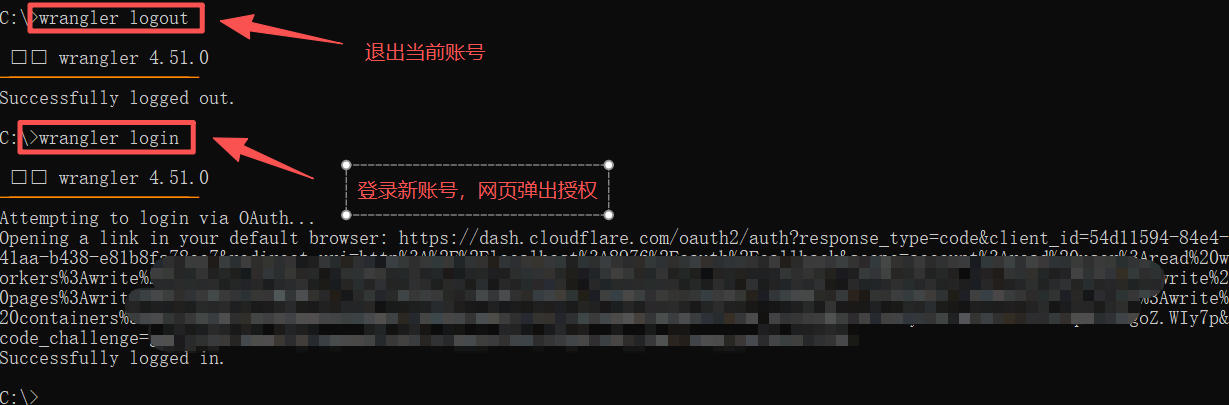
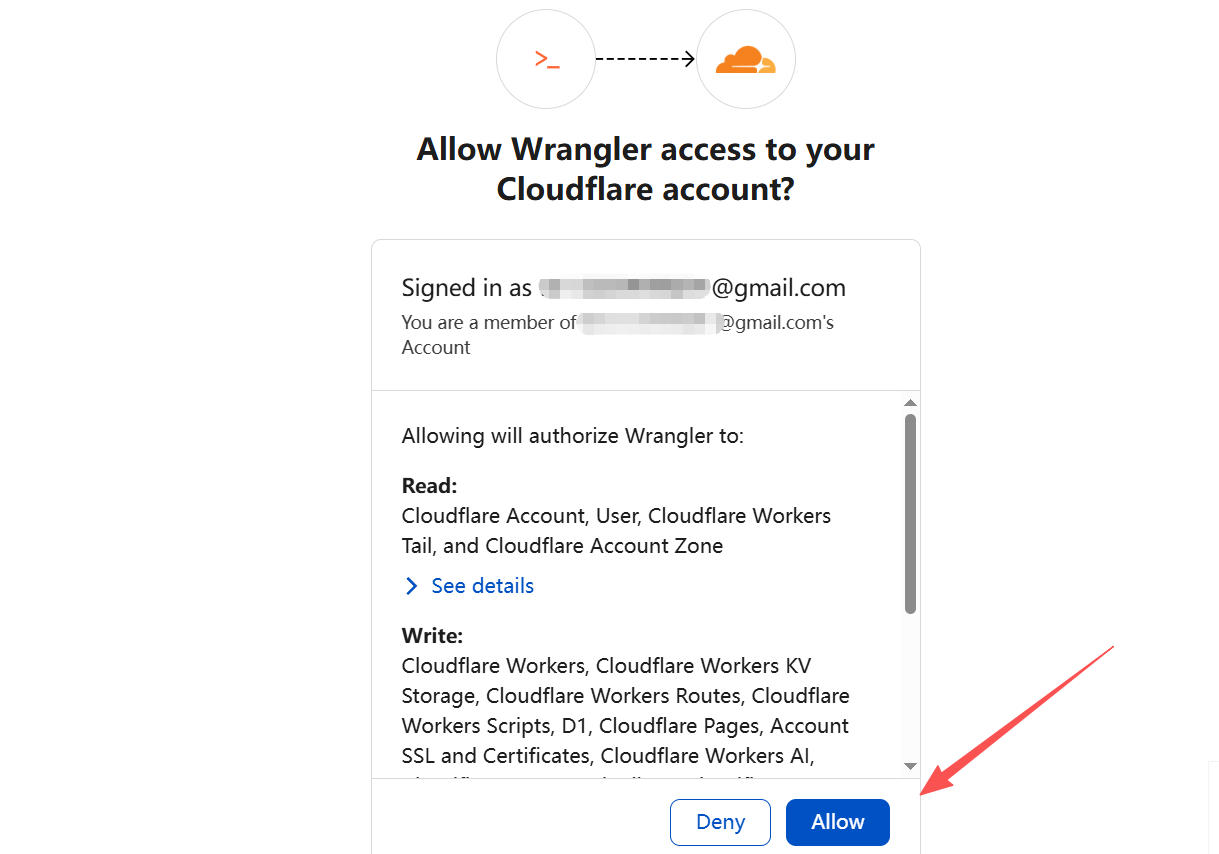
3、输入命令wrangler logout 登出当前账号,然后命令wrangler login 登录新账号(会打开浏览器进行授权)
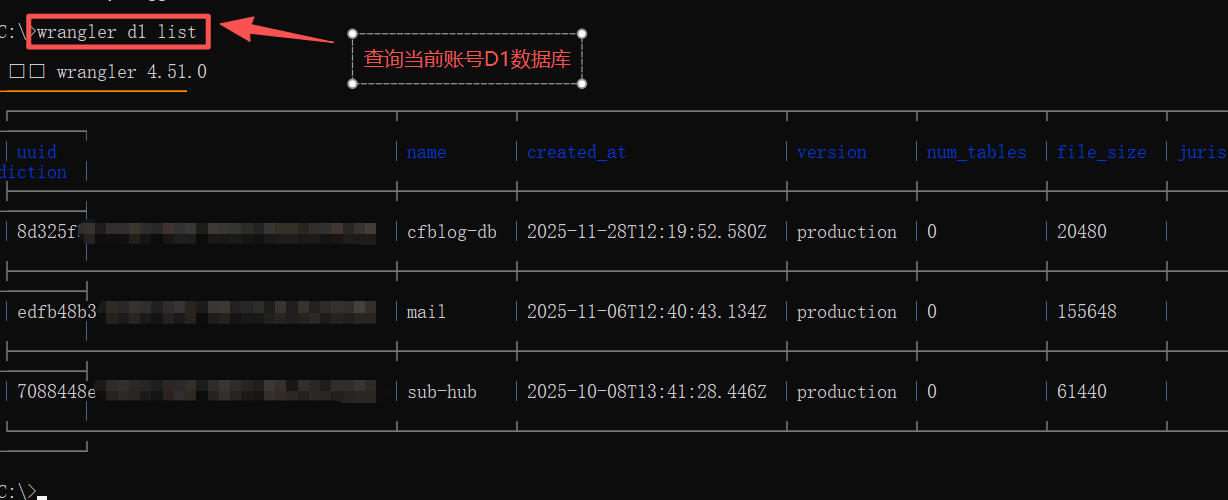
4、输入wrangler d1 list命令查看当前账号的数据库列表
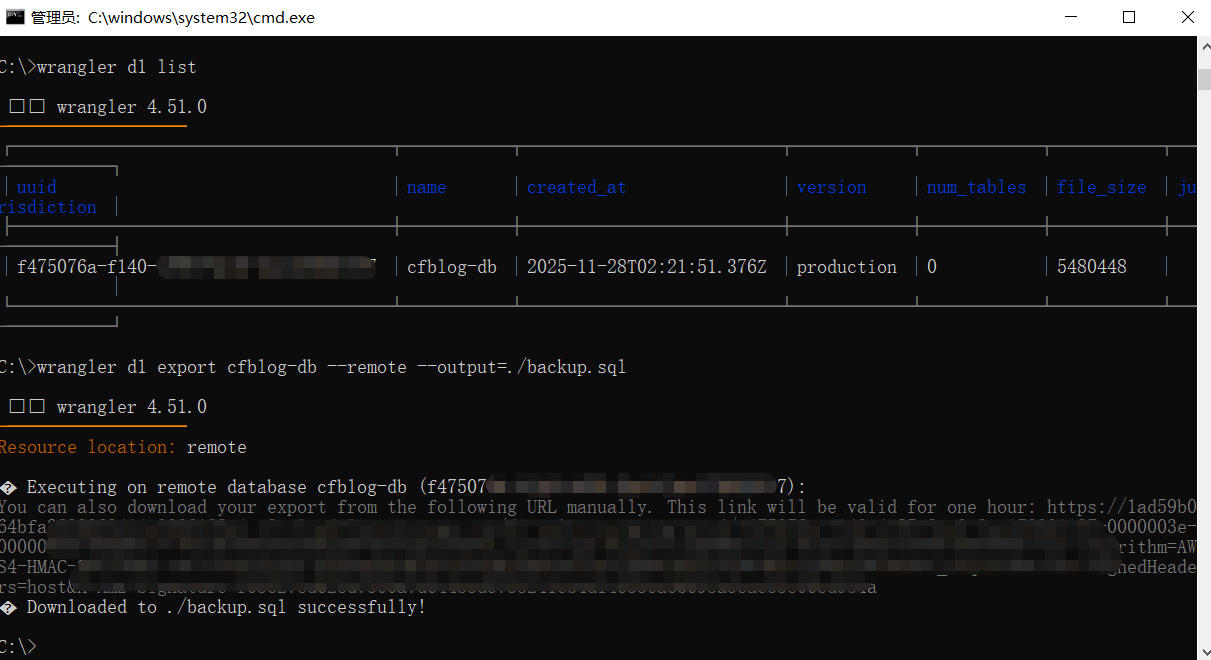
5、然后再输入命令导入导出数据库。
- 导入
wrangler d1 execute cfblog-db --remote --file=./backup.sql - 导出
wrangler d1 export <您的数据库名称> --output=./导出的文件名.sql
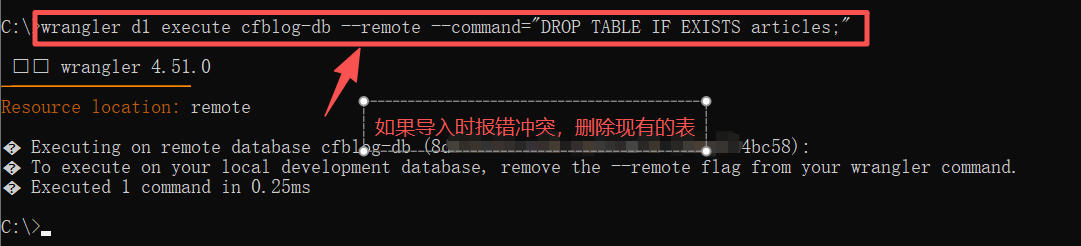
6、如果导入报错,先删除现有的 articles 表,然后再重新导入。
wrangler d1 execute cfblog-db --remote --command="DROP TABLE IF EXISTS articles;"
附上收集整理的其它命令
数据导入导出:备份与恢复
导出整个数据库(结构+数据)
wrangler d1 export my-database --output=backup.sql

只导出特定表
wrangler d1 export my-database --table=users --output=users_backup.sql

只导出结构,不导出数据
wrangler d1 export my-database --output=schema.sql --no-data
创建 D1 数据库
wrangler login
wrangler d1 create my-database
执行后,我们会看到类似这样的输出:
✅ Successfully created DB 'my-database' in region APAC
Created D1 database 'my-database' with id: xxxxxxxx-xxxx-xxxx-xxxx-xxxxxxxxxxxx
创建数据表
创建一个 SQL 文件,例如 schema.sql:
CREATE TABLE users (
  id INTEGER PRIMARY KEY AUTOINCREMENT,
  name TEXT NOT NULL,
  email TEXT UNIQUE NOT NULL,
  created_at DATETIME DEFAULT CURRENT_TIMESTAMP
);
然后执行:wrangler d1 execute my-database --file=./schema.sql
结束!